How to Calibrate a Servo Motor Encoder (Step-by-Step)
01.12.2025
When I configure new servo drives, calibration is always one of the first steps. Even a minimal offset in the encoder's zero point can lead to significant positional errors, instability, or vibration during movement. In this article, I'll explain in detail how to calibrate a servo motor encoder, what tools I use, and how to avoid common mistakes.
What we'll cover today:
- Why encoder calibration is crucial for accurate servo motor positioning;
- The main steps: mechanical alignment, electrical zeroing, and feedback adjustment;
- Required tools: oscilloscope, drive software, alignment marks;
- Common errors and how to fix them;
- The difference between incremental and absolute encoders.
What Is a Servo Motor Encoder and Why Does It Need Calibration?
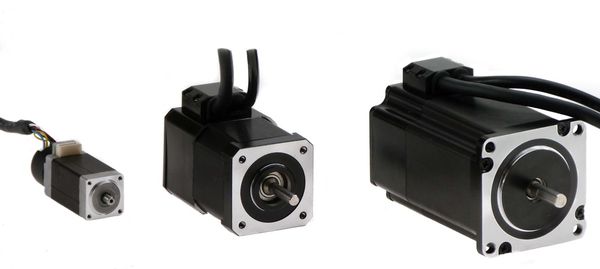
A servo motor encoder is a device that returns rotor position and speed signals to the controller. Without it, the system becomes a simple open loop: the motor rotates but has no idea where it is. This is why servo motor encoder calibration is a mandatory part of commissioning.
A servo system operates in a closed loop, where the encoder continuously provides feedback on angle, speed, and direction. Even if the encoder was already installed at the factory, an encoder alignment procedure is often required on-site – adjusting the zero position to the actual mechanical position.
Calibration eliminates offset errors, synchronizes the electrical and mechanical zeros, and ensures that the feedback corresponds to the actual motion. Failure to do this will cause the motor to respond incorrectly to commands and lose accuracy.
What Tools and Software Are Required for Encoder Calibration?
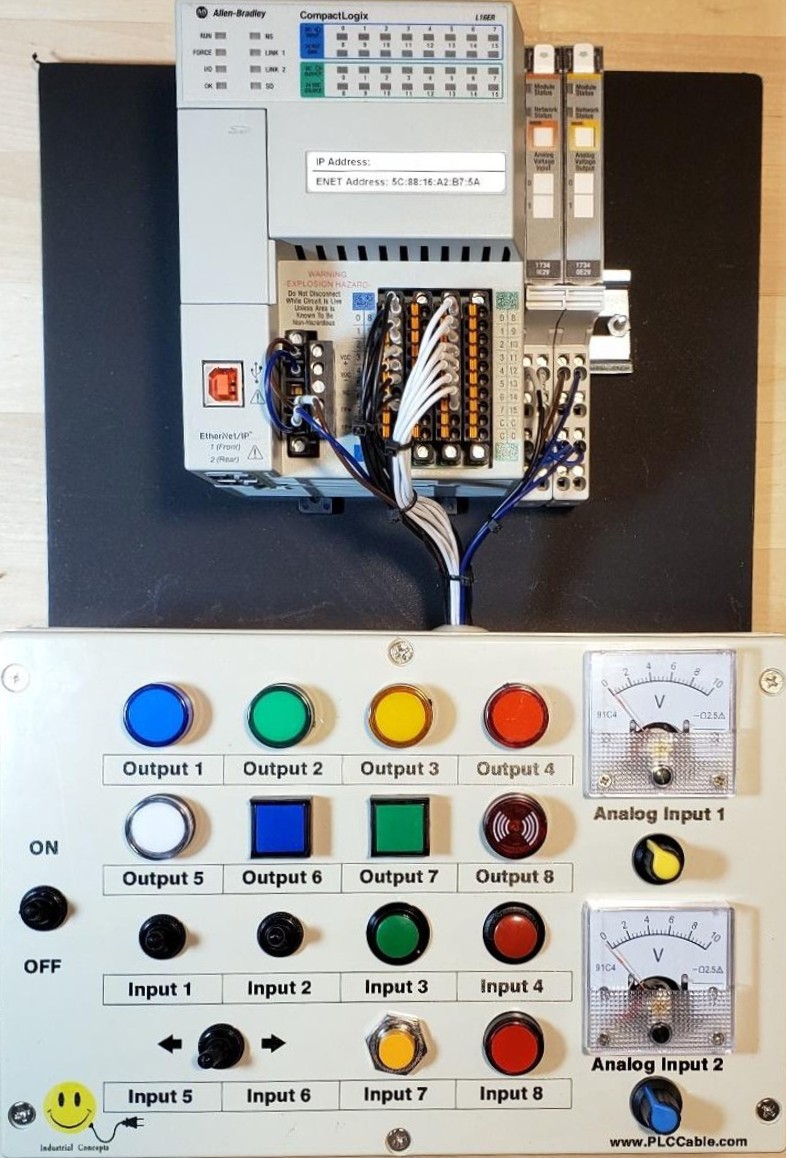
To perform position feedback calibration correctly, I always prepare a full set of tools.
First, I need software from the manufacturer, such as Yaskawa SigmaWin, Allen-Bradley Studio 5000, or Siemens Starter. These allow you to view encoder data in real time, run autocalibration, and save zero positions.
The second tool is an oscilloscope or the drive's built-in scope function. Without it, it's difficult to determine the phase alignment of the signals accurately. I also use the motor's technical data, the encoder pin diagram, and physical marks on the shaft.
Furthermore, mechanical devices such as a dial indicator or alignment templates help to accurately perform encoder mounting alignment. No software calibration will correct misalignment if the encoder is mounted with runout or misalignment.
How to Prepare for Calibration
(Mechanical and Electrical Checks)
Before proceeding with the encoder zeroing procedure, it's important to perform thorough preparation. I always secure the motor shaft to prevent it from accidentally turning during connection. Then I check the encoder's mounting tightly and for any play.
I pay special attention to alignment: even tenths of a millimeter of misalignment creates sinusoidal errors. If the encoder is keyed, it's important to ensure the gap is minimal.
Next, I perform electrical checks. I verify the A/B/Z (or Sine/Cosine) phase connections, check the power supply, and check the signal lines. The protective shielding must be connected to one end, usually the drive end; otherwise, interference will degrade the signal. Finally, I check the grounding: poor contact will result in noise in the circuit and malfunctions during servo encoder feedback tuning.
Step-by-Step: How to Calibrate a Servo Motor Encoder
Below, I'll provide step-by-step instructions on how to calibrate a servo motor.
Step 1 – Establish Mechanical Zero
The first and most important step is setting the mechanical zero. Without a proper reference, the subsequent steps are meaningless. I align the mark on the motor shaft with a fixed point on the housing – this sets the mechanical zero. If there are no marks, I make them manually using fine engraving or a permanent marker.
Sometimes I use an indicator to check runout: if the shaft deviates, it means the encoder is not mounted on-axis. After this, I secure the encoder housing to prevent movement when tightening the bolts. This step forms the foundation for the entire servo motor encoder calibration.
Step 2 – Configure Drive and Set Encoder Type
The next step is setting up the drive. In the parameters menu, I select the encoder type: incremental or absolute, and also specify the resolution in pulses per revolution. If the system uses an incremental encoder setup, I always check the pulse repetition rate (PPR) against the motor's data sheet. Even a single-bit error will result in incorrect speed transmission. It's also important to set the direction of rotation – if the signal is reversed, the motor will move in the opposite direction.
For absolute encoder calibration, it's necessary to correctly define the protocol (for example, BiSS or EnDat) and ensure that the drive recognizes it. After setting all the parameters, I check the connection between the encoder and the drive: the signal should be stable and readable without interruptions.
Step 3 – Perform Electrical Zeroing
At this stage, I align the motor's electrical zero with the encoder's zero. The drive is placed in shaft hold mode or in "align" mode, where the windings are powered in a specific sequence.
I activate the encoder zeroing procedure in the software. The drive smoothly rotates the motor to the detected point, then locks it at "0". If the automatic function is unavailable, I do it manually: I align the Z-pulse (for incremental encoders) with the mechanical zero mark.
The process is different for absolute encoders. I set the mechanical zero and then write the current position to non-volatile memory. This action retains the value even when the power is turned off. This performs absolute encoder calibration, eliminating the need to re-zero the encoder each time it's powered on.
Step 4 – Verify Position Feedback
After zeroing, it's important to verify that the feedback signal is correct. I manually rotate the motor a little and monitor the data in the software. The signal should increase smoothly and return to zero without any jumps.
If the oscilloscope graph shows stepped or interrupted pulses, this indicates noise or a connection error. In such cases, checking the cable and shielding helps.
For a final check, I perform a test run with positioning commands: the motor should stop precisely at the specified points. This is called position feedback calibration. If I notice drift or a discrepancy between the mechanical and software zeros, I repeat the alignment.
Step 5 – Fine-Tune Servo Gain (If Needed)
After calibrating the encoder, I usually fine-tune the control loops. Gain parameters directly depend on the correctness of the feedback, so servo encoder feedback tuning helps achieve stable operation.
I use the auto-tune function or manually adjust the values based on the response shape. I check that the motor doesn't jitter when holding position or "hunt" when following a command. Sometimes I need to reduce the proportional gain or add a high-pass filter.
As a result, the system moves smoothly, and the repeatability of the motion improves significantly. This step completes the encoder alignment procedure.
Common Calibration Issues and How to Troubleshoot
Even with my experience, not everything always goes perfectly. Some errors recur again and again, and it's important to know how to fix them.
If the motor doesn't move after calibration, I first check the encoder type and wiring diagram. An A/B phase mismatch can completely block movement.
When the drive returns a "feedback error on startup" error, I know the problem is with the index or a direction mismatch. Repeating the encoder zeroing procedure helps.
Jerky or reversed movements usually mean the signal direction is reversed, or the gain is set too high. And if I see noise or jitter when holding, poor shielding or a faulty cable are almost always to blame.
These situations are typical servo motor encoder troubleshooting issues that every service technician encounters at least once.
When Should You Re-Calibrate an Encoder?
In industrial environments, I always recommend repeating the servo motor encoder calibration after any mechanical intervention. For example, if the encoder was removed to replace bearings, moved during transport, or was subjected to impact.
Recalibration is also required after cable replacement, drive repair, or firmware update. Even minor changes in the electronics can disrupt alignment.
If signs of drift, positional error, or instability at low speeds appear during operation, this is a sign that the encoder alignment procedure is broken. It's better to stop the system and recalibrate than to struggle with subtle fluctuations later.
Absolute vs Incremental Encoder Calibration (What’s Different?)
Working with absolute encoders is significantly different. They retain position data even when the power is turned off. This simplifies setup, as absolute encoder calibration is only required once.
However, such systems are sensitive to power failures. I once had an incident on a wind turbine where the encoder lost its stored zero due to a dead battery, and I had to manually "retrain" the position.
Incremental encoders are simpler, but they require mandatory alignment of the Z pulse with the mechanical zero – this is the basis of incremental encoder setup. Without this, the controller won't be able to determine the rotor's position during startup.
Thus, the calibration principle is the same: precisely aligning the mechanical and electrical zeros, but the details depend on the sensor type and communication protocol.
Final Checklist Before Putting the Servo Back Into Service
Before putting the system back into operation, I always go through a short checklist:
- I check that the physical position matches the digital encoder values. If not, I return to the encoder alignment procedure;
- I make sure there are no feedback errors and the drive doesn't jitter upon power-up. The motor should start and stop smoothly in all directions;
- I analyze the signal shape – it should be clean and distortion-free. If the signal is sinusoidal, its peaks should be symmetrical. For square pulses, the edges should be clear and uniform;
- I save all parameters, including encoder mounting alignment data, encoder type, and calibration date. This will help with future maintenance.
FAQs About Servo Encoder Calibration
1. Can I calibrate a servo encoder without a scope?
Yes, you can, but I highly recommend using an oscilloscope or built-in signal visualization tool.
2. How do I know if my encoder needs calibration?
If the motor loses position, moves erratically, or feedback errors appear, it's time to troubleshoot the servo motor encoder.
3. Can absolute encoders lose calibration?
It's rare, but it does happen. For example, if power is lost or the non-volatile memory is damaged, the encoder may "forget" the zero position.
4. What if the encoder signal is reversed?
If the rotation direction is displayed in reverse, simply change the direction bit in the drive settings.